How is Google Stitch AI used in design?
One day I was watching a YouTube video where a creator talked about Google Stitch AI. Out of curiosity, I didn’t wait—I jumped in and started experimenting.
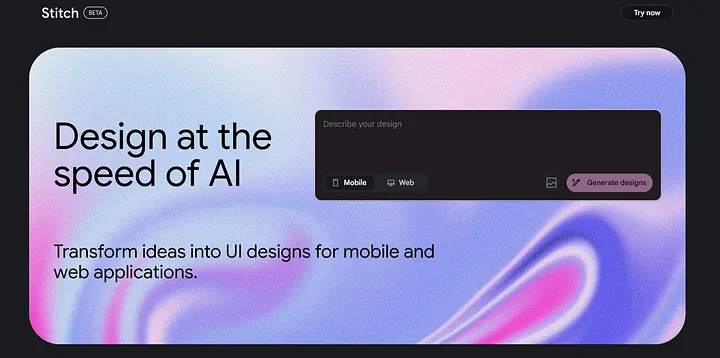
One day I was watching a YouTube video where a creator talked about Google Stitch AI. Out of curiosity, I didn’t wait—I jumped in and started experimenting.
One day I was watching a YouTube video where a creator talked about Google Stitch AI. Out of curiosity, I didn’t wait—I jumped in and started experimenting.
I simply open Stitch AI and enter a design prompt. Within seconds—boom! A full UI design was ready.
What's great is that you can design for both mobile apps and desktop screens. You can upload your own design sample—Stitch AI will help you understand whether your idea is strong or needs improvement. You can easily customize the design system (fonts, colors, shapes) to match your brand. You can copy the design directly into your Figma file. It even includes components and auto layout settings.
But here's one important thing:
The quality of the design depends on your prompt
If your writing is clear and descriptive, the results will be much better.
If your writing is clear and descriptive, the results will be much better.
Stitch AI gives you a strong design starting point. You still need to improve accessibility and hierarchy, fix spacing, and make the design great. It's a tool to accelerate your ideas faster and reduce repetitive work. You can take inspiration from Stitch.
AI won’t replace your creativity—use it as a tool.
If you have any thoughts or feedback, please share them with me.
Thanks for reading and supporting.

Get Athos Pro